Help Window
The PathWave Desktop Edition help provides information and instructions for using PathWave Desktop Edition, the PathWave Test Automation service, and the Event Based Power Analysis service.
To get to the help from any view in PathWave Desktop Edition, click the ? icon and then click Contents...
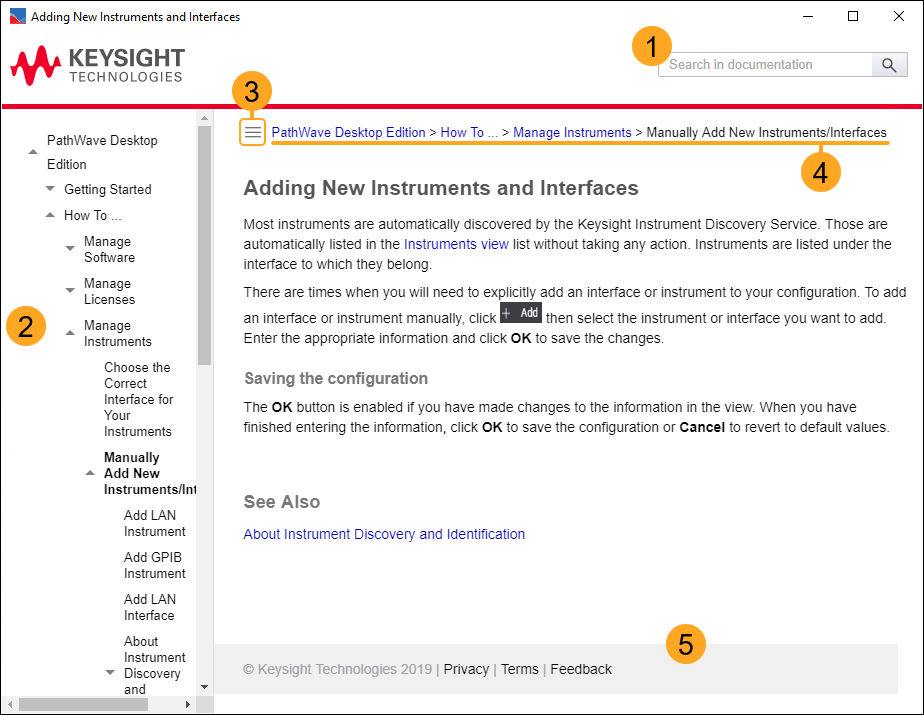
| # | Description |
|---|---|
| 1 | Search the PathWave Desktop Edition help. Note that this is a full-word search, so if you type a partial word in the search box, it will not be found. |
| 2 |
Table of contents. Expand a section by clicking the |
| 3 | Show/hide the table of contents. |
| 4 | Breadcrumbs. Click a title in the breadcrumbs to jump to that page in the help. |
| 5 | Privacy, Terms, and Feedback links take you to this information on http://www.keysight.com. |
 icon.
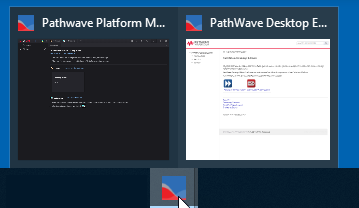
icon.If you do not see the help window, it may be behind other windows. You can hover over the PathWave Desktop Edition icon in the taskbar to find the help window: