
Notifications Window
The Notifications window displays the messages generated by PathWave Desktop Edition. Based on their severity, the messages are categorized into information, warning, or error. You can view the notifications by clicking the bell icon ( ) on the title bar.
When the notification list contains messages, the bell icon is displayed in blue ( ).
).
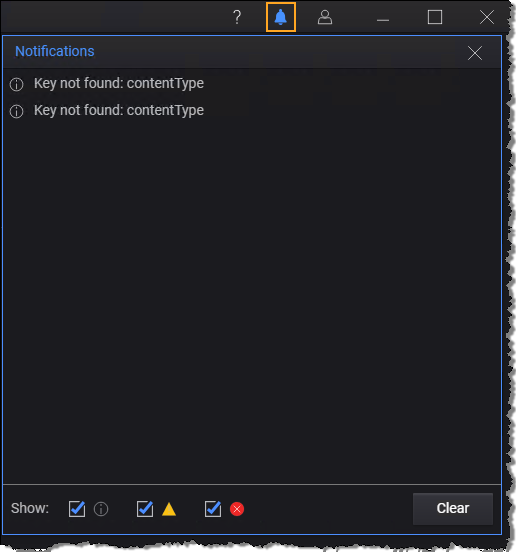
You can do the following:
- Filter the messages based on their type:
 - Information
 - Warning
 - Error
- Clear the messages. To remove the notification messages, click Clear.