
Set User Preferences
Use the User Options menu to set display preferences of your PathWave Desktop Edition.
To Set Display Preferences
- Click
 > Preferences .
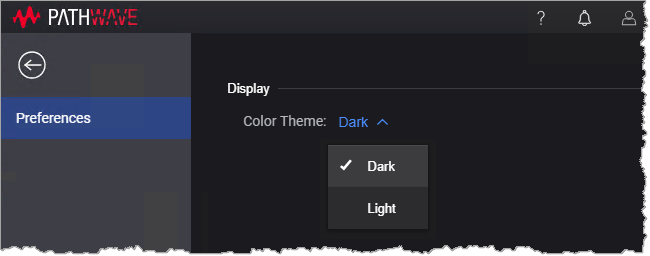
- In the Display section, select a Color Theme from the drop-down list.
The color scheme for PathWave Desktop Edition is updated.