View and Run Installed Services
Use the Installed Software view to see the list of services installed on PathWave Desktop Edition. Clicking on the tile invokes the service.
To View and Run Installed Services
-
Click
 > Installed Software.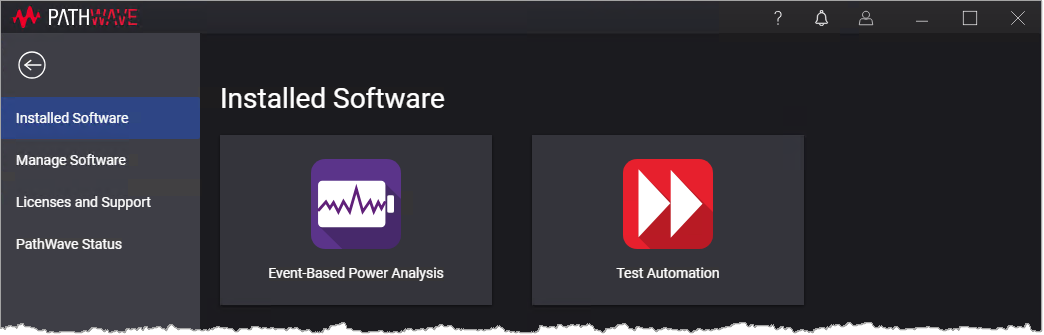
The Installed Software view displays a list of installed services. - Click on a tile to run the service.
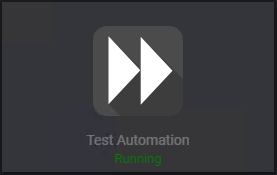
If the service is already running, the tile is inactive.