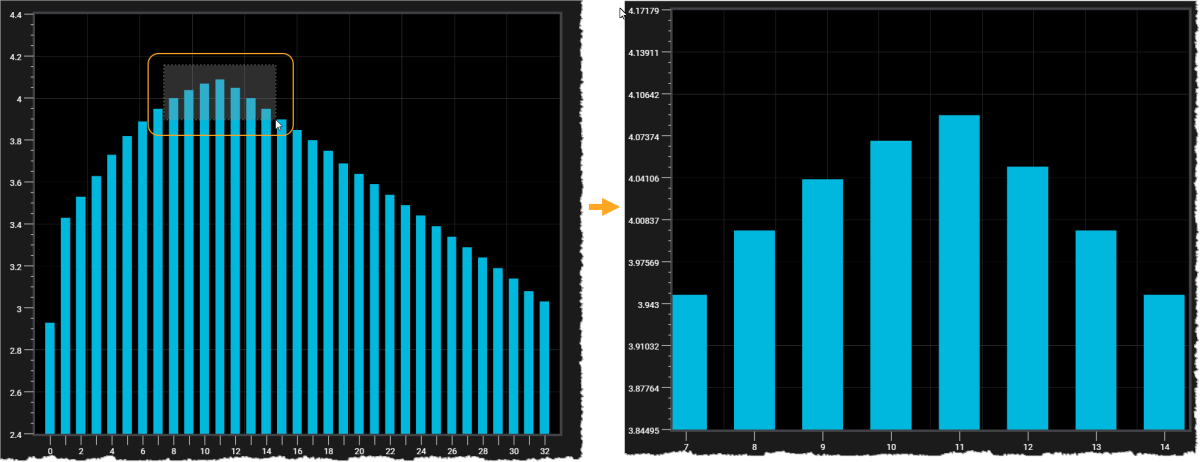
Zoom In and Zoom Out
You can zoom in and zoom out on the chart. To use zoom, make sure the Cursor Mode is set to Box Zoom Mode.
The icon next to Cursor Mode displays the current cursor mode.
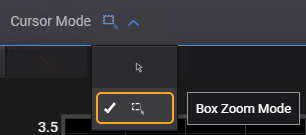
Use one of the following methods:
- Mouse Scroll: Click on the chart area, press and hold the Ctrl key and scroll the mouse to zoom in or out of the chart data.
- Box Selection: Click on the chart area and drag your cursor across the chart until you see a rectangle covering the desired area. Release the mouse button to zoom in to the selected area on the chart.
To reset the chart to initial zoom, click Reset Zoom.