
Software View
The Software view allows you to install and manage software, licenses, and view tasks running on PathWave Desktop Edition.
Following are the Software view options:
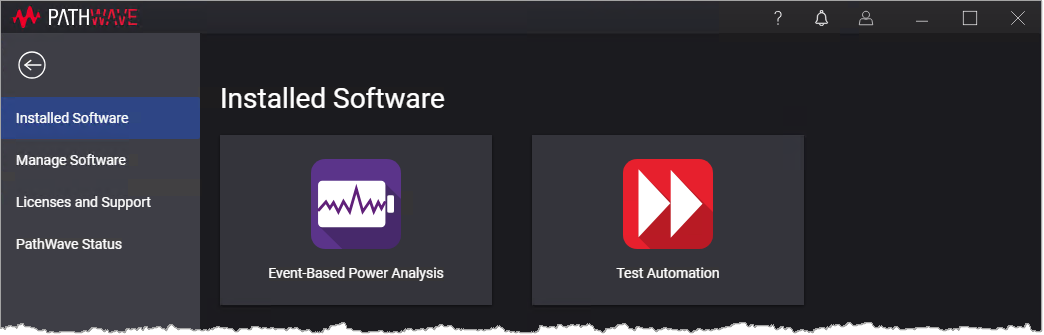
Installed Software
The Installed Software view displays the list of installed PathWave services in a tile view. Each tile contains the service name, version, and a brief description. Clicking on the tile launches the service.
Manage Software
The Manage Software view allows you to install and uninstall PathWave services.
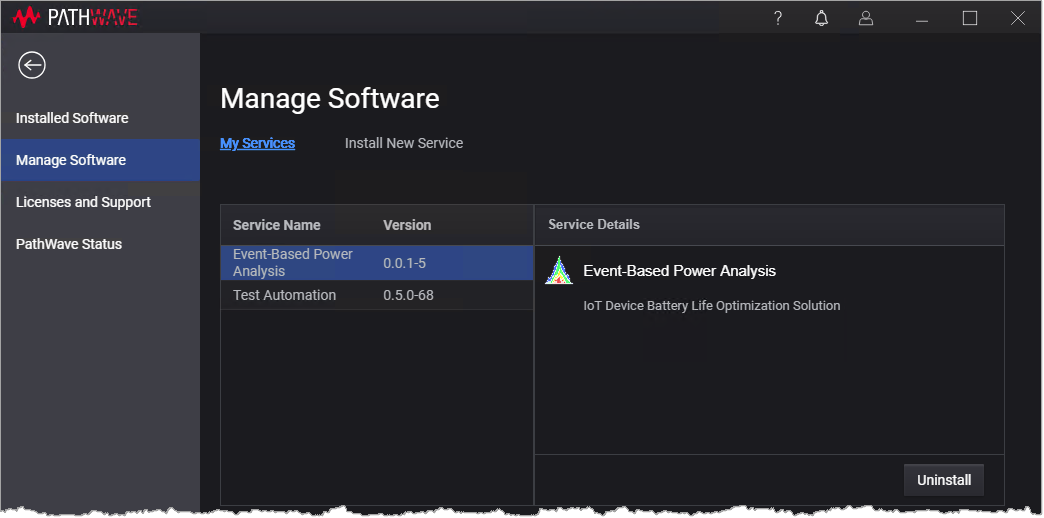
- My Services link lists the installed software along with the following details:
- Service name
- Version
- Service details are displayed when you click on a service.
- Option to uninstall the selected service. For more information, see Uninstall a Service.
- Install New Service link provides options to install a new service. For more information, see Install a New Service.
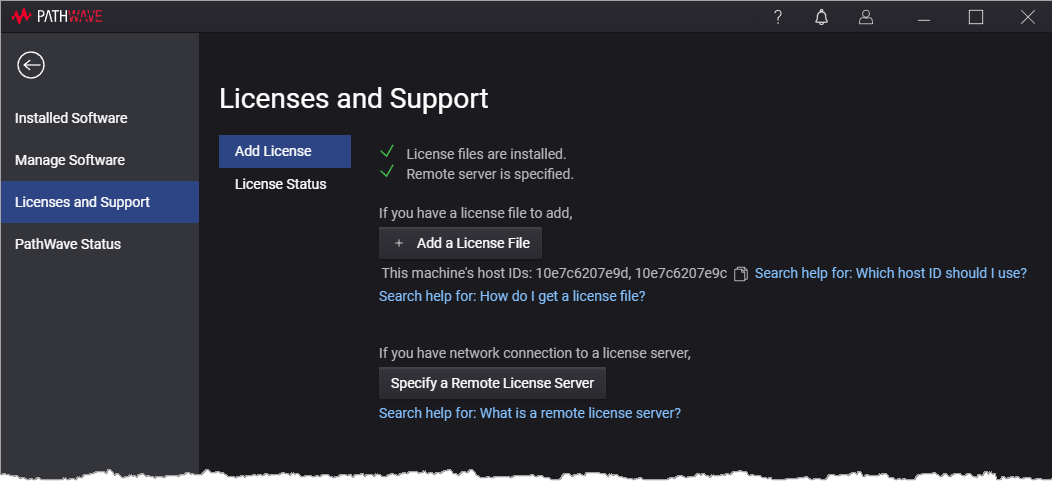
Licenses and Support
The License and Support view allows you to add (install) licenses to enable your PathWave services. This view also allows you to specify remote license servers, see all your licenses, transport and borrow licenses.
PathWave Status
The PathWave Status view allows you to view the list of currently running tasks. These tasks are the PathWave services running in the background.
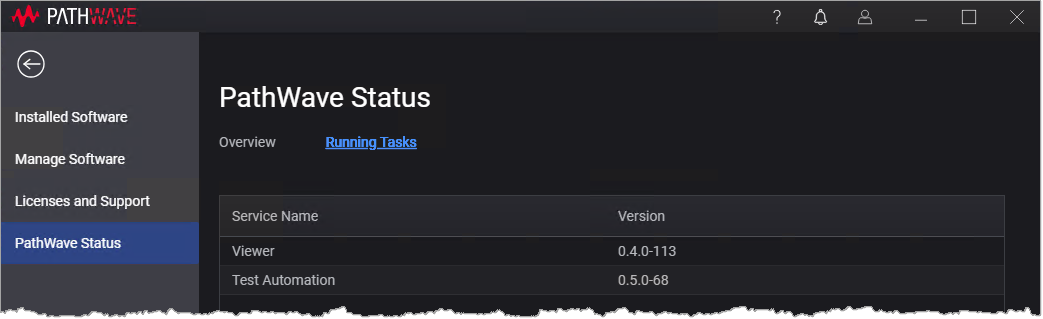
- Overview link displays the edition and version details of the installed PathWave product.
- Running Tasks list displays the list of user initiated tasks currently running in the system.