File View
The File view allows you to manage the files and directory structure of the current project.
Following are the File view options:
Open File
The Open File view allows you to manage the files available in PathWave Desktop Edition.
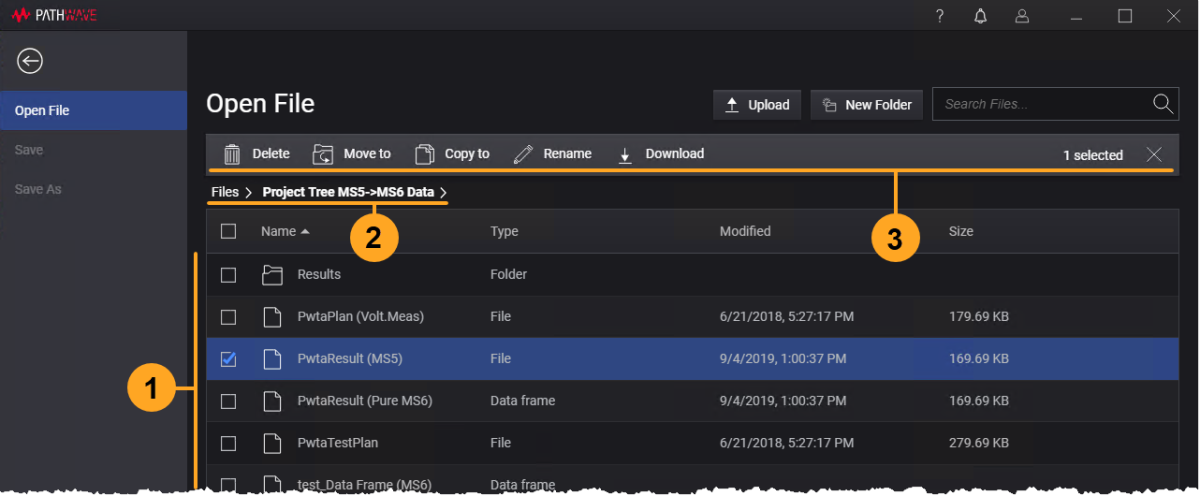
| # | Description |
|---|---|
| 1 | List of files and folders in the current folder. Click on the folder name to navigate to the selected folder. |
| 2 | Breadcrumbs display the path to the current folder. Click on the folder name to navigate back to previous levels in the directory structure. |
| 3 | File and folder operation bar. The operation toolbar is displayed only when an item is selected from the list. |
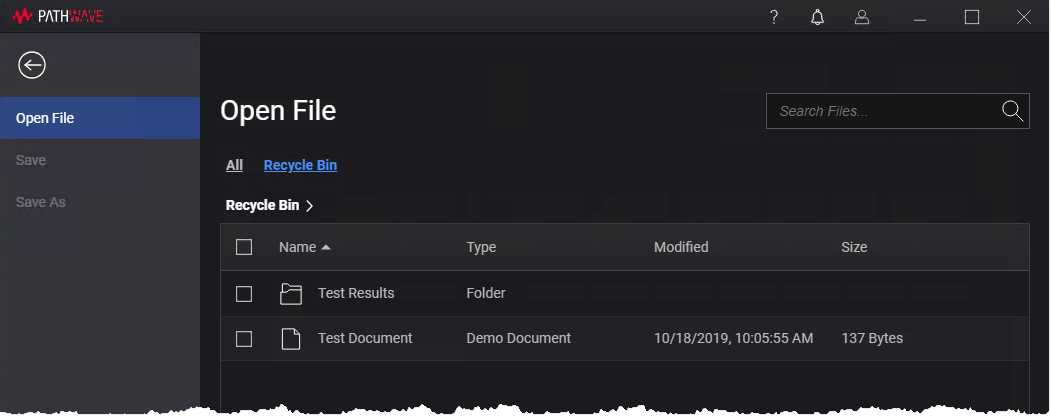
Recycle Bin
The Recycle Bin link in the Open File view allows you to view the list of deleted files and folders.
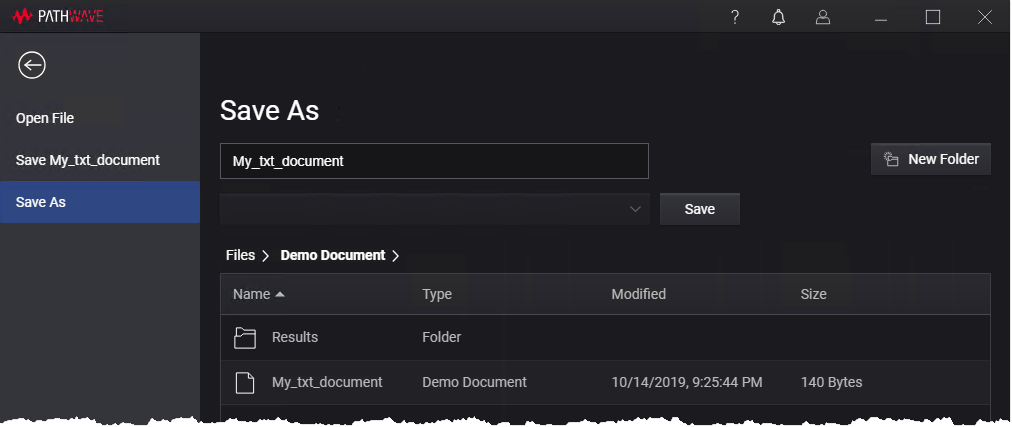
Save As
The Save As view allows you to save your existing data files with a new name.
The Save and Save As options are enabled when a file is edited in the active service.